Phone-Friendly Navigation
A dedicated layout can make key account pages easier to locate on Android screens.
 Contact UsRegister
The N8800 App guide helps Bangladesh users understand the Android APK installation process before they begin. It explains how to find the official download page, handle Android installation permissions, sign in securely, and review account tools on a phone. It also highlights sensible checks for updates, permissions, local availability, payment terms, and responsible use so users can make informed decisions while using mobile entertainment services.
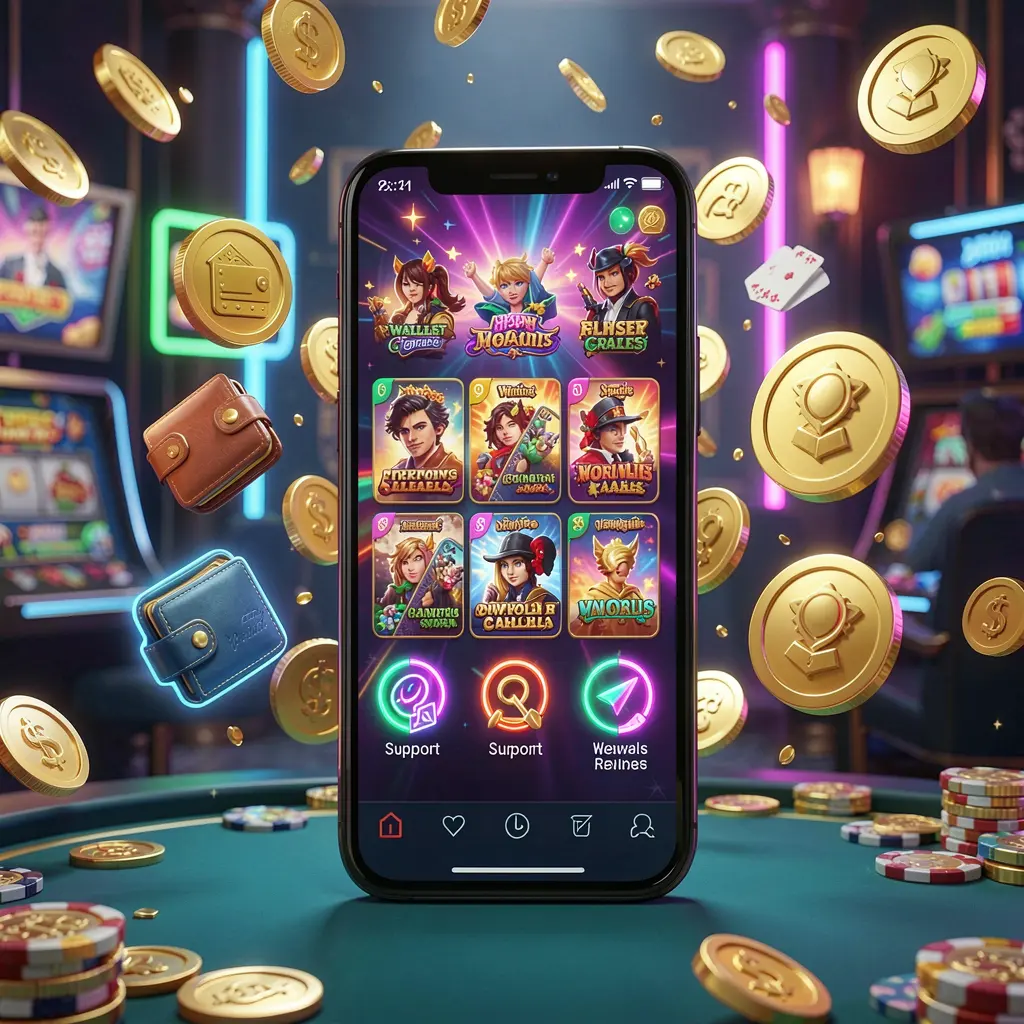
N8800 App is an Android-focused access option for people who prefer opening platform features through a dedicated phone interface rather than a browser session. It can bring account navigation, wallet areas, promotional pages, and support options into a layout designed for smaller screens.
For users in Bangladesh, mobile convenience should be balanced with careful account protection. Download files only from the official N8800 page, check the web address before entering credentials, and avoid APK links received through unknown contacts, groups, or pop-up advertisements.
The N8800 App provides an APK-style route to access N8800 from an Android device. It is intended for adults in locations where access is permitted, and users should read relevant terms, account rules, payment conditions, and safer-play information before continuing.
A dedicated layout can make key account pages easier to locate on Android screens.
Users can reach profile settings, balance information, and support sections from one mobile interface.
Promotion pages may be easier to review, while conditions should always be read carefully.
Official downloads, private devices, and protected login details support safer mobile account access.
Install the N8800 App only after reaching the official N8800 download page through a trusted browser visit. Avoid copied files, shortened addresses, and downloads forwarded in messages, as they may not be the intended application.
Open the official N8800 website on your Android phone and select the App or Download area. Check that the page address is correct before choosing the APK option.
Select the official Android download button and allow the file to finish saving. Keep the original file name and do not replace it with an APK obtained from another website.
Your phone may request permission for the browser or file manager to install an APK. Turn on this permission only when needed, then disable it once installation is complete.
Run the installed app and sign in or register as appropriate. Before using financial or gaming-related areas, inspect account settings, applicable rules, available limits, and the stated payment conditions.
A few simple checks can help keep Android installation and everyday access more manageable.
Use the official N8800 website whenever an update is needed. Be cautious if a message asks for an urgent installation through an unfamiliar domain, attachment, or file-sharing service. Checking the source first can help prevent accidental installation of altered software.
Before using any casino-style service, Bangladesh users should consider local rules and personal financial limits. Such activity involves risk and uncertain results, so it should not be viewed as income. Take breaks, set a budget, and stop if it begins to affect wellbeing or daily responsibilities.
Common answers about downloading, installing, updating, and using the N8800 App on Android.
Download the N8800 App only from the official N8800 App or Download page. Avoid APK files shared through unknown websites, messages, or social posts.
Save the official APK, open it from your downloads folder, allow installation permission if Android requests it, and follow the on-screen instructions.
Android restricts direct app installations as a security measure. You can temporarily permit installs from the browser or file manager used for the official APK.
Check the official N8800 website or app guidance for updates. Do not accept update files sent through unfamiliar links or unsolicited messages.
No. Casino-style entertainment has uncertain outcomes and financial risk. It should not be considered a source of income or guaranteed returns.